



This guide will show you how to upgrade your ExpressVPN for Teams plan to a different plan length.
What to know before you start
Keep the following in mind before upgrading:
- You must be an account admin to upgrade your plan.
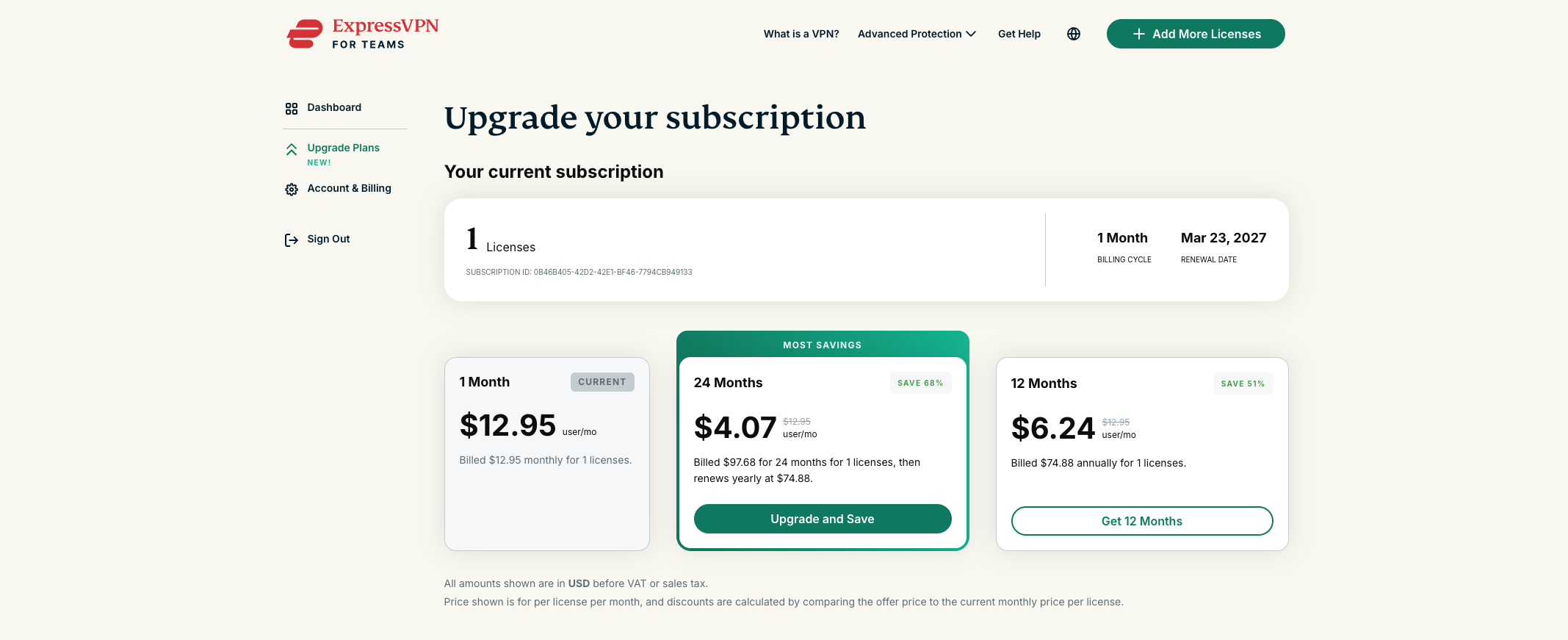
- You can upgrade your plan from a monthly plan to a 12-month or 24-month plan, or from a 12-month plan to a 24-month plan. The longer your plan, the better the savings.
- When you upgrade, a prorated adjustment is applied to your plan.
- Your new billing cycle starts immediately.
- After upgrading, all licenses are upgraded to the same plan length.
How to upgrade your plan
To upgrade your plan:
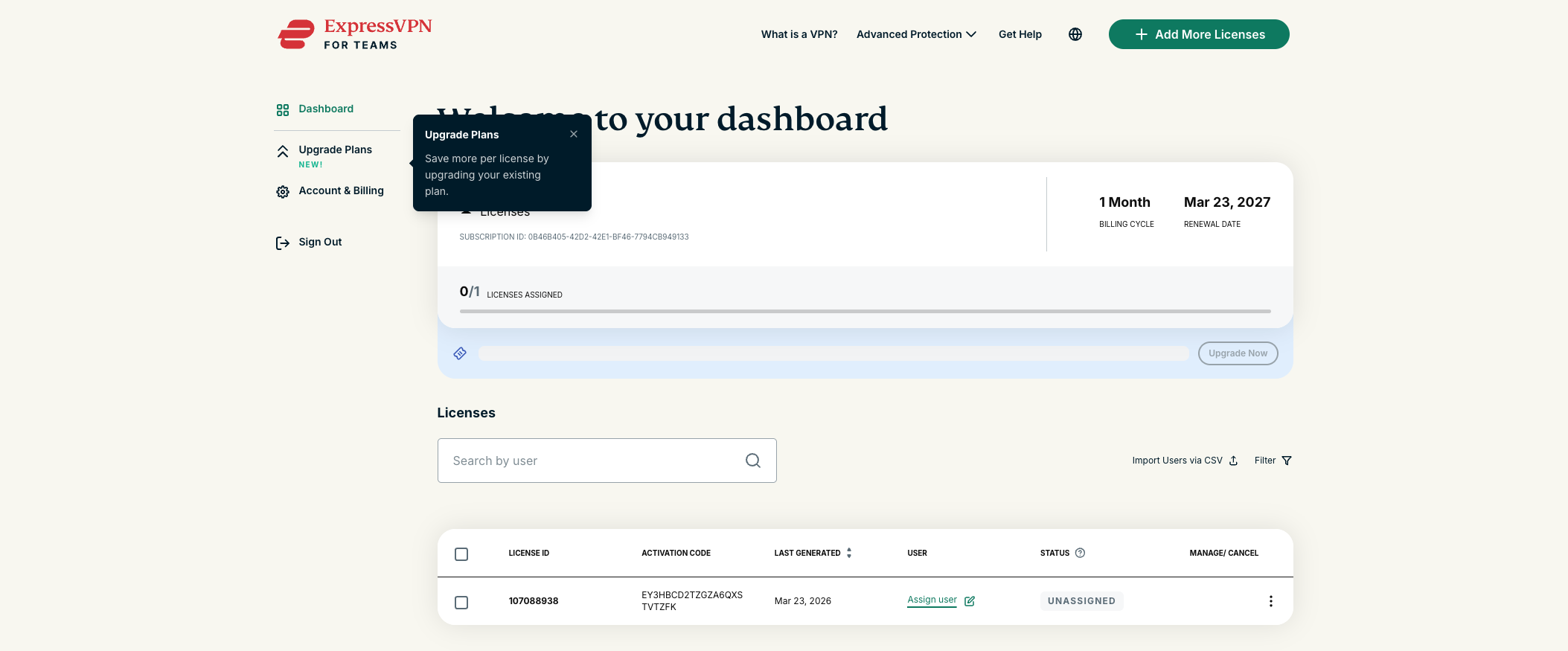
- Sign in to your ExpressVPN for Teams admin account.
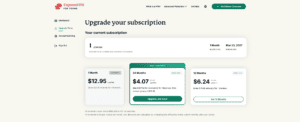
- Select Upgrade Plans.


- Select your preferred plan.

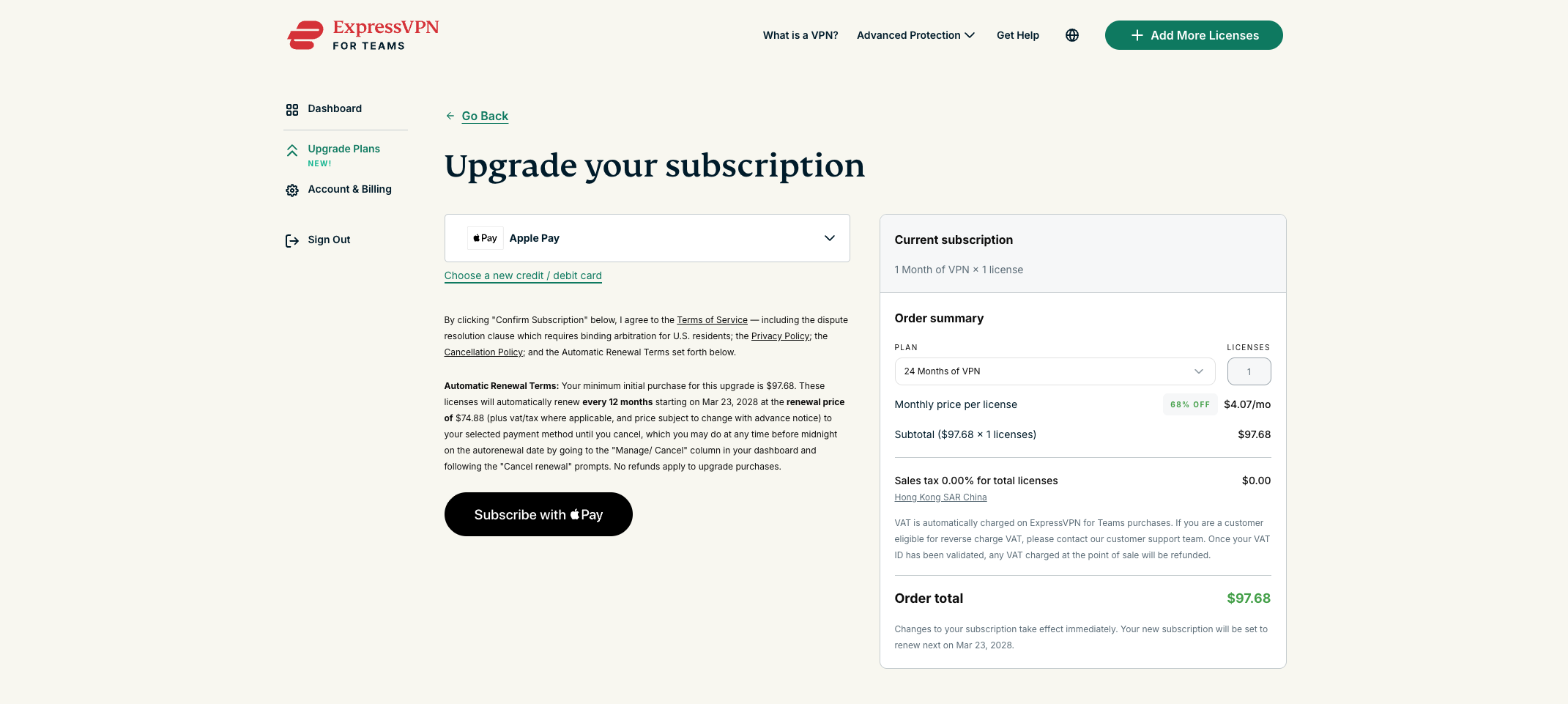
- Review your order summary, including any prorated adjustments.
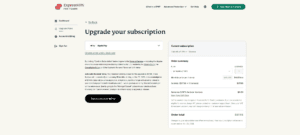

- Choose your payment method and select Confirm Subscription/Subscribe with Apple Pay/Subscribe with Google Pay/PayPal Subscribe depending on your payment method.
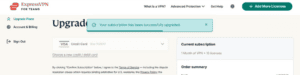
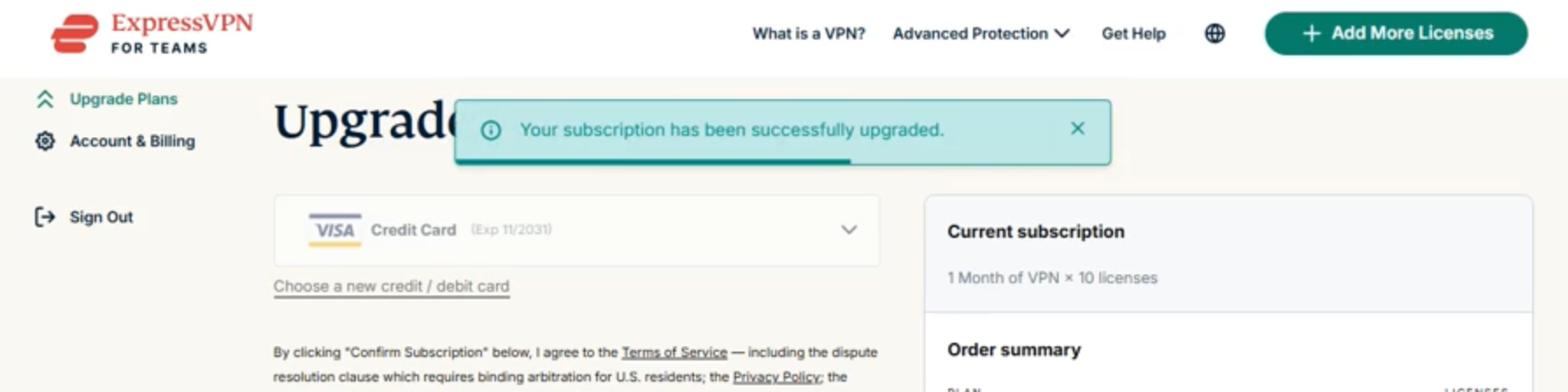
- You should see a confirmation message that your subscription has been upgraded.

Need help? Contact the ExpressVPN Support Team for immediate assistance.