



When you delete an alias in ExpressMailGuard, you have the option to restore it.
Note: You can only restore deleted aliases. Forgotten aliases cannot be restored.
To restore a deleted alias:
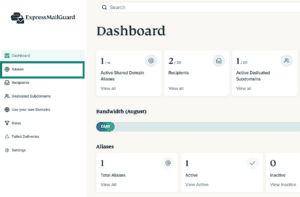
- On the ExpressMailGuard dashboard, click Aliases.

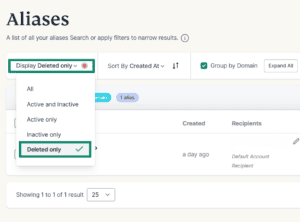
- Under Display, make sure to select either All or Deleted only.

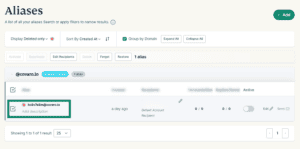
- Find the alias you want to restore and click the checkbox.

- Click Restore.
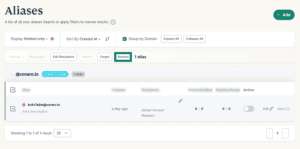
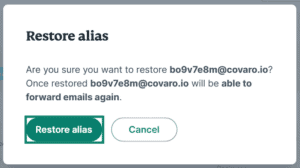
- Click Restore alias.


Need help? Contact the ExpressVPN Support Team for immediate assistance.