



Using aliases to reply to emails allows you to reply anonymously without revealing your real email address.
Each forwarded email has a From: header set. This header will look something like this:
From: <default+hello=example.com@expressmailguard.com.>
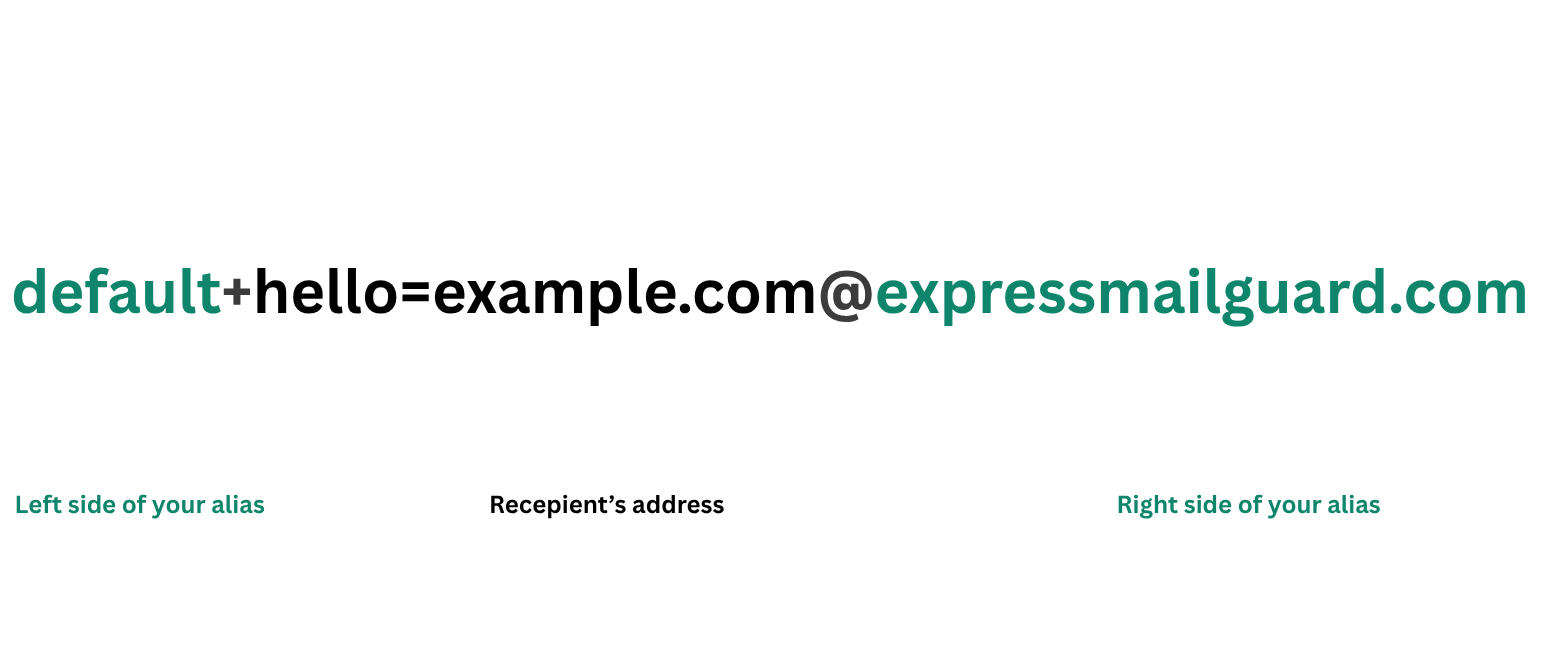
To reply to an email using an alias, all you need to do is click reply in your email client or web interface and it will automatically fill the To: field with the correct address.
Need help? Contact the ExpressVPN Support Team for immediate assistance.