



This guide will show you how to wipe all your data on ExpressAI.
Jump to…
How to wipe all data on desktop
How to wipe all data on mobile
How to wipe all data on desktop
To wipe all your current conversations and files on desktop:
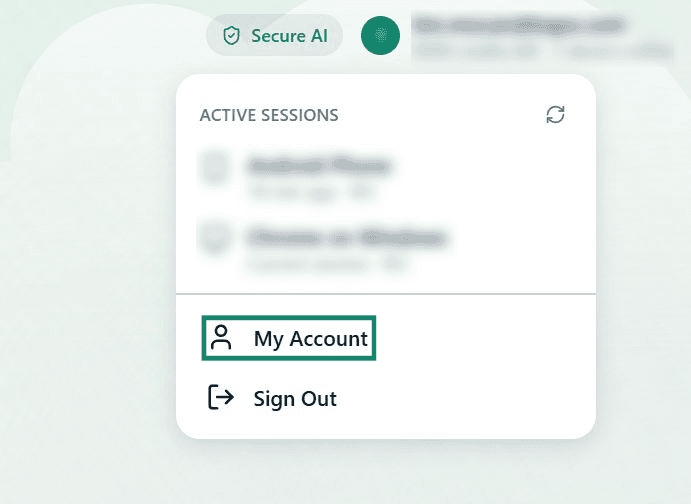
- Click your email address in the top-right.


- Click My Account.

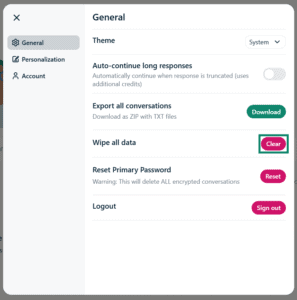
- Next to Wipe all data, click Clear.

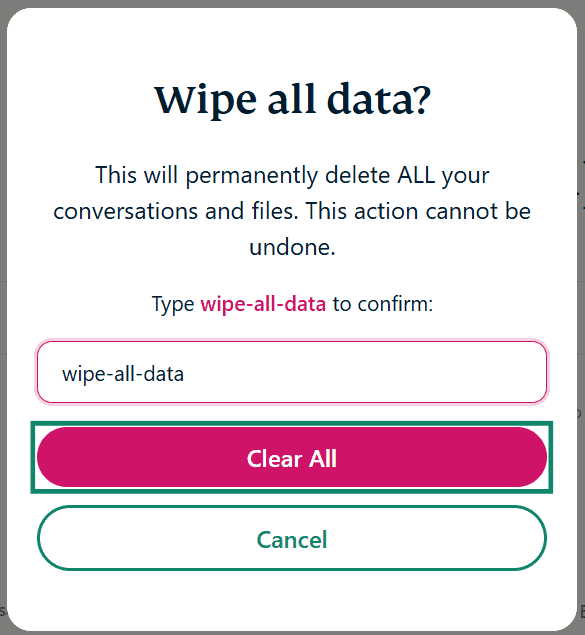
- Type wipe-all-data in the text box, then click Clear All.


All your current conversations and files have been permanently deleted.
Need help? Contact the ExpressAI Support Team for immediate assistance.
How to wipe all data on mobile
To clear all your current conversations and files on mobile:
- Tap

 .
.


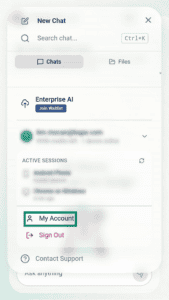
- Tap your email address.
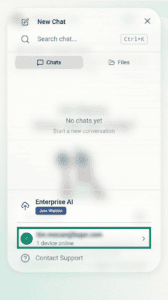

- Tap Account.

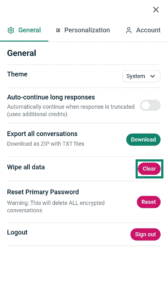
- Next to Wipe all data, tap Clear.
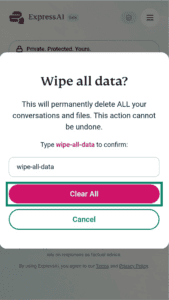
- Type wipe-all-data in the text box, then tap Clear All.


All your current conversations and files have been permanently deleted.
Need help? Contact the ExpressAI Support Team for immediate assistance.