



To use our apps and configurations, please sign up for an ExpressVPN account first.
Note: You cannot delete your account’s default recipient email address.
To delete a recipient:
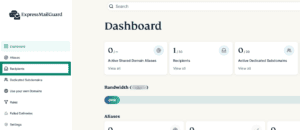
- On the ExpressMailGuard dashboard, click Recipients.

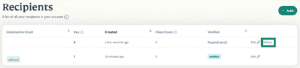
- Find the recipient you want to delete and click Delete.

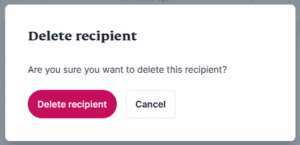
- Click Delete recipient.


Need help? Contact the ExpressVPN Support Team for immediate assistance.