



This guide will show you how to delete and forget email aliases in ExpressMailGuard.
Jump to…
How to delete an alias
Deleting an alias will result in that alias rejecting any emails sent to it. If you change your mind, you can restore a deleted alias.
To delete an alias:
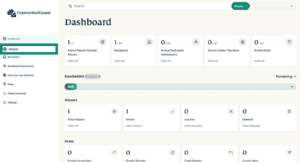
- On the ExpressMailGuard dashboard, click Aliases.

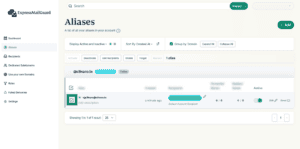
- Find the alias you want to delete and click the checkbox.

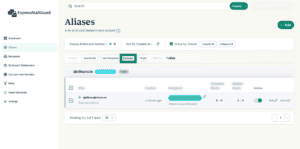
- Click Delete.
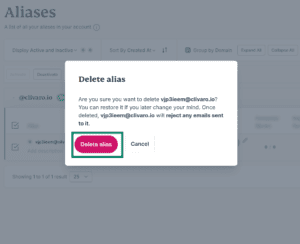
- Click Delete alias.


Need help? Contact the ExpressVPN Support Team for immediate assistance.
How to forget an alias
Forgetting an alias will disassociate it from your account. Once an alias is forgotten, it will reject any emails sent to it.
Important: Once an alias is forgotten, it cannot be restored or used again, so make sure you are certain before proceeding.
To forget an alias:
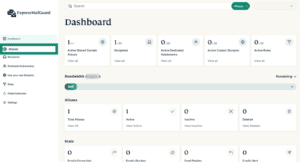
- On the ExpressMailGuard dashboard, click Aliases.
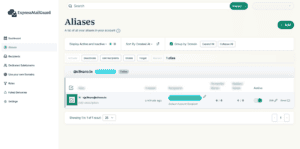
- Find the alias you want to delete and click the checkbox.
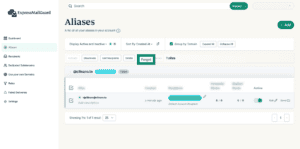
- Click Forget.
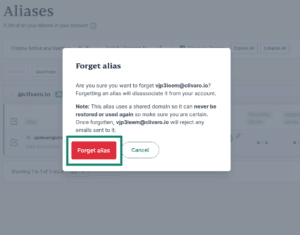
- Click Forget alias.


Need help? Contact the ExpressVPN Support Team for immediate assistance.