



You can personalize the Home tab of the Identity Defender app for Android and iOS by reorganizing your dashboard widgets to suit your preferences.
How to reorganize widgets
To reorganize widgets on the Home tab:
- Open the Identity Defender app.
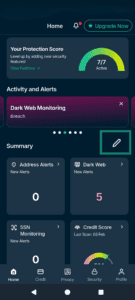
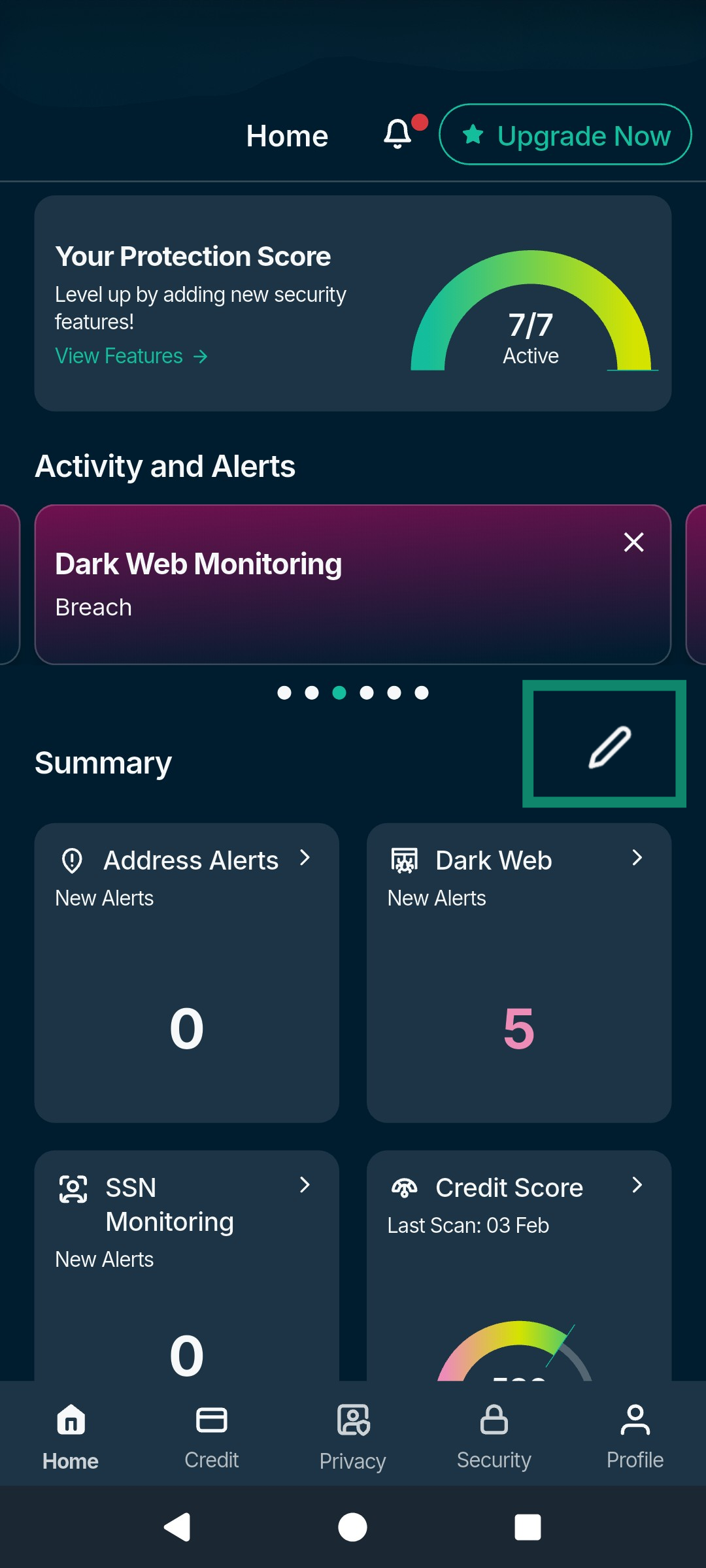
- On the Home tab, tap the pen icon next to Summary.

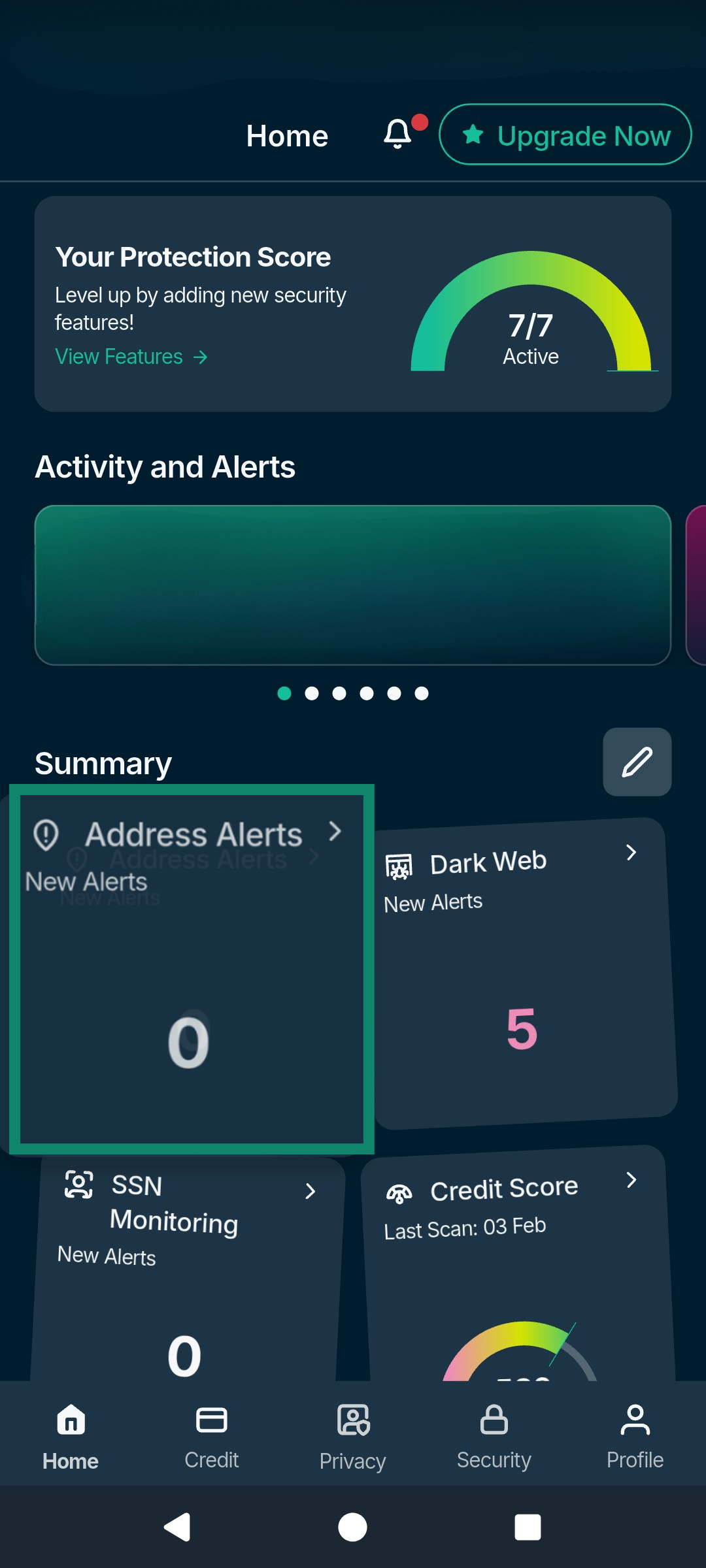
- Press and hold the widgets you want to reorganize, then drag and drop them to your new desired location.

Need help? Contact the ExpressVPN Support Team for immediate assistance.